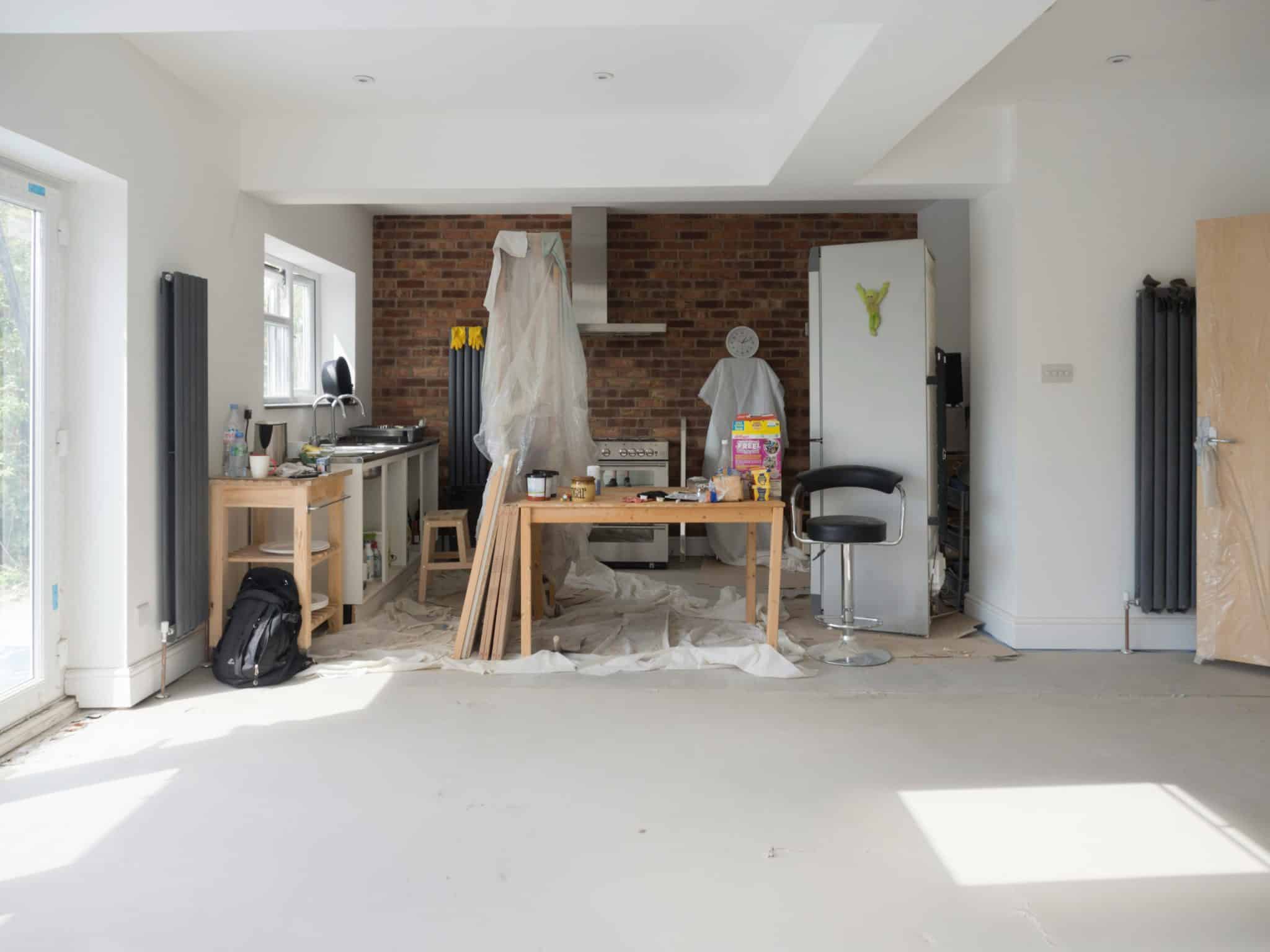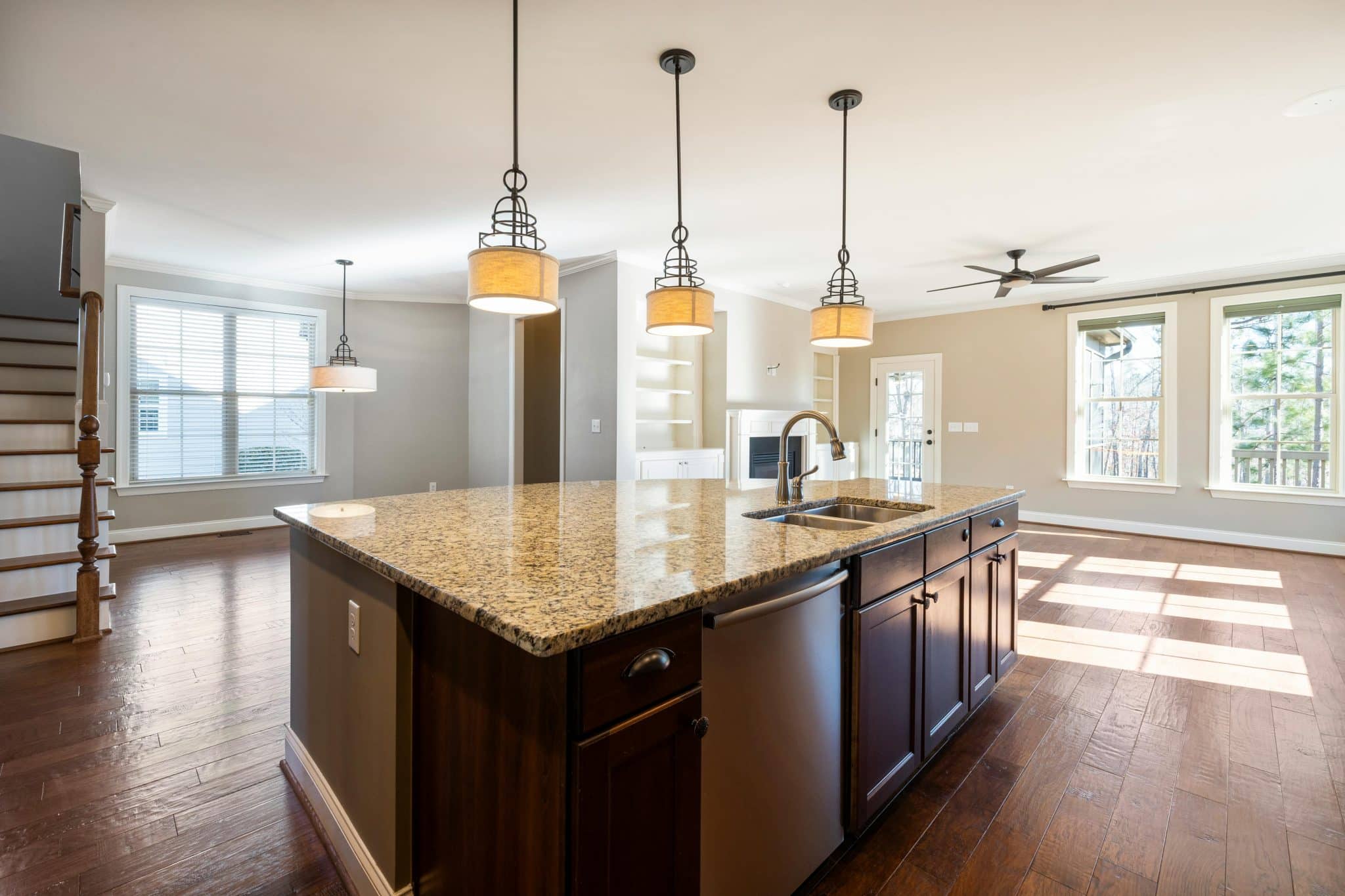


AI has changed how interior designers approach everything from concept development to client presentations. Tools available in 2026 range from text-to-image generators and virtual staging apps to full 3D planning software with AI-assisted layouts. Some are built for quick ideation, others for architectural-grade precision,with the right choice depends on your workflow, budget, and the level of realism you need. Here’s a breakdown of 10 tools worth knowing about, with an honest look at what each one does well and where it falls short.
How we evaluated these tools
We tested and researched each tool on this list based on five criteria: the quality and realism of AI-generated outputs, ease of use for both experienced designers and beginners, pricing and value relative to what you get, collaboration and export options, and how well each tool fits into a real interior design workflow. Some tools on this list are full creative suites, others handle one specific task, we’ve noted where each one fits so you can build the right stack for your process.
Quick comparison
|
Tool |
Best for |
Starting price |
Key AI feature |
Platform |
|---|---|---|---|---|
|
Freepik |
Creative asset generation (image, video, audio) |
$5.75/mo |
Multi-model AI Image Generator + Spaces collaboration |
Web |
|
Planner 5D |
2D/3D floor planning |
Free (Plus from ~$7.99/mo) |
AI-suggested furniture layouts |
Web, iOS, Android |
|
Autodesk Revit |
Professional BIM projects |
~$4,545/year |
Generative design for space optimization |
Desktop (Windows) |
|
Houzz |
Product sourcing and inspiration |
Free (purchases via marketplace) |
Visual Match product recognition |
Web, iOS, Android |
|
RoOomy |
Virtual staging |
Contact for pricing |
AI perspective and lighting matching |
Web |
|
MagicPlan |
Room scanning and floor plans |
Free (Pro from ~$9.99/mo) |
LiDAR/camera-based room scanning |
iOS, Android |
|
Morpholio Board |
Mood boards and material palettes |
Free (Pro from ~$11.99/mo) |
AI color and material suggestions |
iOS, iPad |
|
ColorSnap Visualizer |
Paint color previews |
Free |
AI-adjusted lighting and shadow rendering |
Web, iOS, Android |
|
IKEA Place |
AR furniture placement |
Free |
True-to-scale AR with auto lighting |
iOS, Android |
|
RoomGPT |
Quick style exploration |
Free (paid for more generations) |
Photo-to-redesign with style transfer |
Web |
Freepik – Image and Artificial Intelligence Design.

Freepik is an essential AI-powered creative platform for interior designers who need to visualize spaces and generate design concepts quickly. The AI Image Generator creates room visualizations from text prompts and visual references like modern living rooms with neutral tones, Scandinavian bedrooms with light wood accents, or industrial kitchens with exposed brick. Designers can choose from multiple models, including Google Imagen, Nano Banana, or Seedream, giving them flexibility to match different visual styles and quality needs.
What sets Freepik apart is Spaces, a collaborative tool that transforms how designers work on projects. Instead of generating disconnected images, designers create a dedicated Spaces template for each project where they can save all design concepts, iterate and apply changes without starting from scratch, and track design evolution based on client feedback. They also offer Spaces templates for different use cases, such as this one titled “Transform rooms into designs.” Freepik also includes editing tools like the Background Remover, Mockup Generator, and Image Upscaler. It also offers an AI Video Generator with models like Google Veo, Kling, and Seedance for creating walkthrough videos and complete presentation materials, along with an audio suite for narration and background music.
Pros:
- AI Image Generator with multiple state-of-the-art models for different visual styles, like Google Imagen, Nano Banana, Runway, Flux, or Seedream.
- Spaces for organized, client-specific project management.
- Complete creative toolkit (image generation, video, audio, mockups, editing).
- Real-time collaboration with clients and team members.
- No need for multiple subscriptions—everything is available in one platform.
Cons:
- Learning curve for designers new to Spaces.
- Advanced features require premium plans.
Planner 5D – Room Designs and Visualisation.
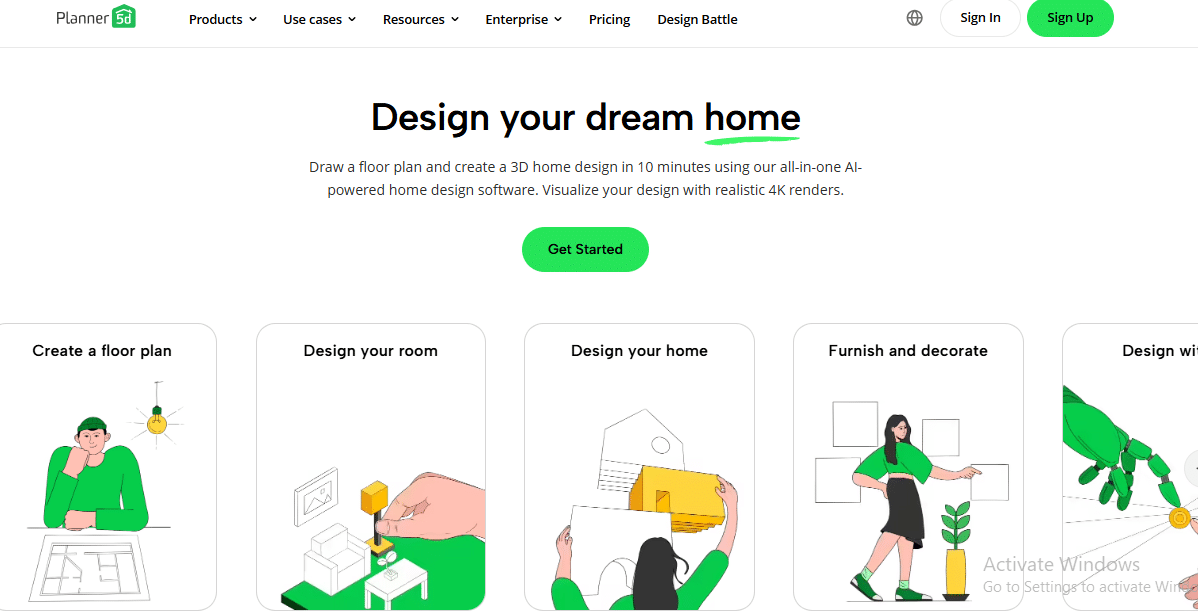
Planner 5D is a floor planning tool that lets you create 2D layouts and switch to 3D walkthroughs. Its AI features suggest furniture arrangements and material combinations based on room dimensions, and there’s a catalog of over 8,000 items to furnish your designs. The free version covers basic planning, but HD rendering and the full furniture library require a paid plan (Plus starts around $7.99/month billed annually). It works in-browser and on mobile, which makes it accessible for quick client mockups on the go.
Pros:
- Low barrier to entry, with no design experience needed to produce a usable floor plan
- Large catalog of furniture and decor items.
- Quick AI-generated layouts save time during early concept stages.
Cons:
- Rendering quality doesn’t match professional visualization tools like Revit or dedicated render engines.
- The free tier is quite limited; most useful features sit behind the paywall.
- AI suggestions can feel generic and may not reflect current design trends.
Autodesk Revit – BIM-based design with AI-assisted planning

Autodesk Revit is a BIM (Building Information Modeling) platform used across architecture and interior design firms. While it’s not an AI-first tool, recent updates have introduced generative design features that automate space planning and furniture layout optimization based on constraints you define (occupancy, circulation paths, natural light). Revit’s strength is precision, it produces construction-ready documentation, not just visual concepts. Subscriptions run around $4,545/year, which puts it firmly in the professional category.
Pros
- Accurate 3D modeling
- Combines interior design and architecture.
- Strong instruments of big projects.
Cons
- Steep learning curve, expect weeks of training before you’re productive.
- Subscription cost ($4,545/year) is prohibitive for freelancers or small studios.
- The AI features are limited compared to dedicated AI design tools.
- Revit’s core value is precision modeling, not creative ideation.
Houzz AI – Style Suggestions and Inspiration.

Houzz uses AI to analyze style preferences and recommend furniture, decor, and color palettes from its marketplace. The ‘Visual Match’ feature lets you upload a photo and find similar products available for purchase. It’s more of a shopping and inspiration tool than a design tool, you won’t create floor plans or renderings here, but it’s useful for sourcing specific pieces that match a client’s taste.
Pros
- Produces innovative design concepts.
- Large inventory of furniture and decor.
- Fits the preferences of clients in style.
Cons:
- No design or layout tools, it’s strictly for product discovery and inspiration
- Recommendations are limited to products in the Houzz marketplace, so you’re working within their catalog.
- Not useful for generating original design concepts or visualizations.
RoOomy – Virtual Staging and Room Rendering.
RoOomy specializes in virtual staging, you upload a photo of an empty room, and it populates the space with furniture and decor. The AI handles perspective matching and lighting adjustments, which makes the results look more natural than manual Photoshop staging. It’s primarily used by real estate professionals and interior designers preparing listing photos or client presentations.
Pros:
- Realistic 3D visualizations
- Works with any photo of a room
- Saves time on manual staging
Cons:
- Limited free options
- Can be resource-intensive
- RoOomy is one of the most appropriate AI-based virtual interior design tools in 2026.
MagicPlan – Artificial Intelligence Room Scanning and Layouts.
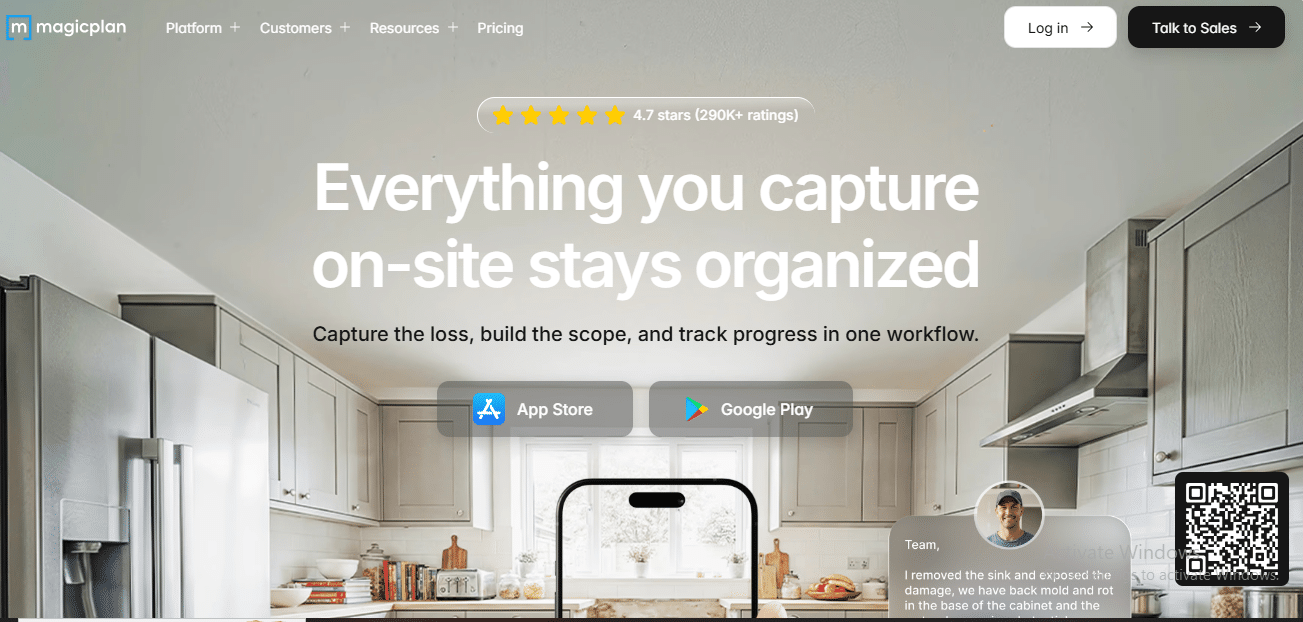
MagicPlan uses your smartphone camera (or LiDAR on newer iPhones and iPads) to scan a room and generate a floor plan with measurements. From there, you can add furniture, fixtures, and material finishes. It’s particularly useful for renovation projects where you need accurate dimensions quickly, no tape measure required. The app exports to PDF, DXF, and other formats compatible with CAD software.
Pros:
- Accurate room measurements
- Fast room scanning
- It’s simple to distribute strategies to customers.
Cons:
- Furniture and material library is smaller than competitors like Planner 5D
- AI scanning accuracy varies depending on room complexity, cluttered spaces or unusual angles often require manual corrections.
- The free version limits the number of projects you can save..
Morpholio Board – Mood Boards and Color Palettes AI.
Morpholio Board is a mood board app designed specifically for architects and interior designers. Its AI suggests color palettes and material combinations based on images you add to your board, and it connects to real product catalogs so you can source items directly. The interface is built for presentations, boards export as polished PDFs ready for client review.
Pros:
- Intelligent color and material recommendations.
- Combines actual product catalogues.
- Perfect presentation boards.
Cons:
- Limited 3D visualization
- Full features require a paid version.
- Morpholio can be used to create AI interior design mood boards and concept development.
Sherwin-Williams ColorSnap Visualizer – AI-powered paint color previews
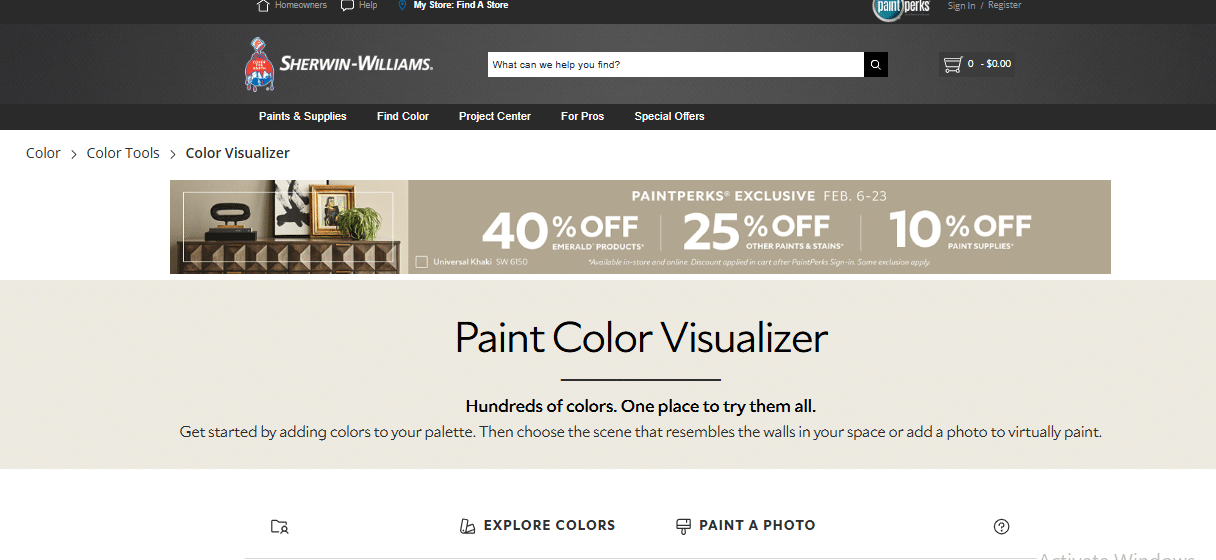
ColorSnap Visualizer lets you upload a room photo and preview how different Sherwin-Williams paint colors will look on the walls. The AI adjusts for lighting conditions and shadows, so the previews are more accurate than a simple color overlay. It’s free and available on mobile, making it easy to use during client consultations.
Pros:
- True color depiction.
- Fast experimentation
- Client-friendly tool
Cons:
- Only covers Sherwin-Williams paint colors, you can’t test finishes from other brands.
- Strictly a color visualization tool with no layout, furniture, or broader design capabilities..
- ColorSnap is a necessary tool for AI color planning in interior design work.
IKEA Place AR Furniture Visualization.
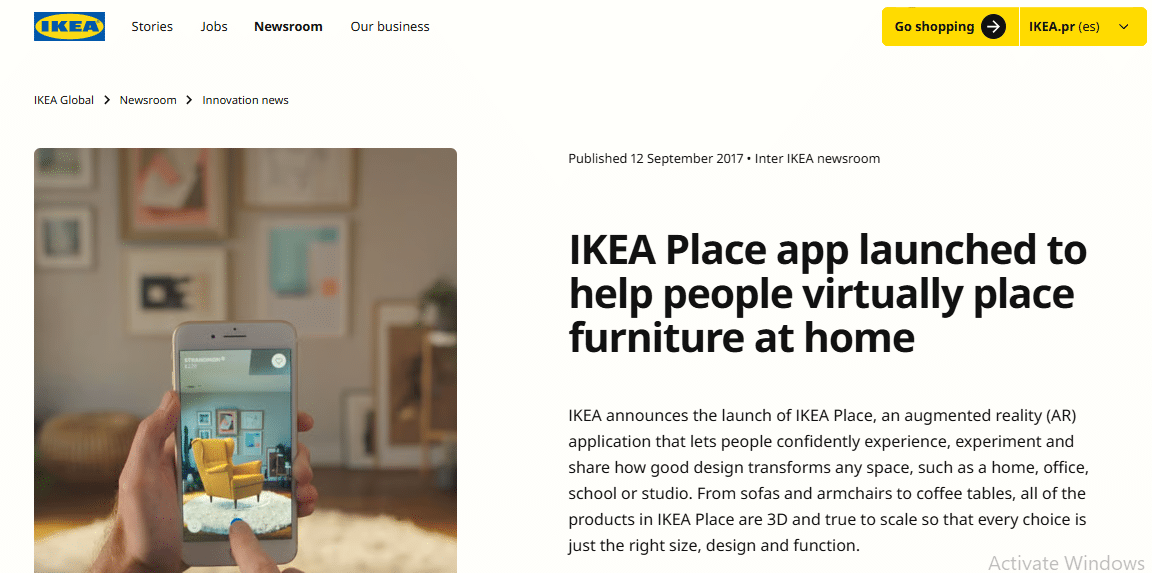
IKEA Place uses AR to let you place true-to-scale IKEA furniture in your actual room through your phone’s camera. The app adjusts for size, lighting, and surface reflections automatically. It’s a quick way to check whether a specific piece fits a space before buying, and the AR accuracy has improved noticeably in recent updates.
Pros:
- AR visualisation is interactive. Ideal for client approvals.
- Simple and intuitive
Cons:
- Only works with IKEA’s catalog, so it’s not useful for sourcing from other brands.
- No ability to modify the room itself, you’re placing furniture in the space as-is, with no layout planning or wall editing.
- IKEA Place is one of the important AI-augmented reality interior design tools.
RoomGPT – AI Interior Generator.
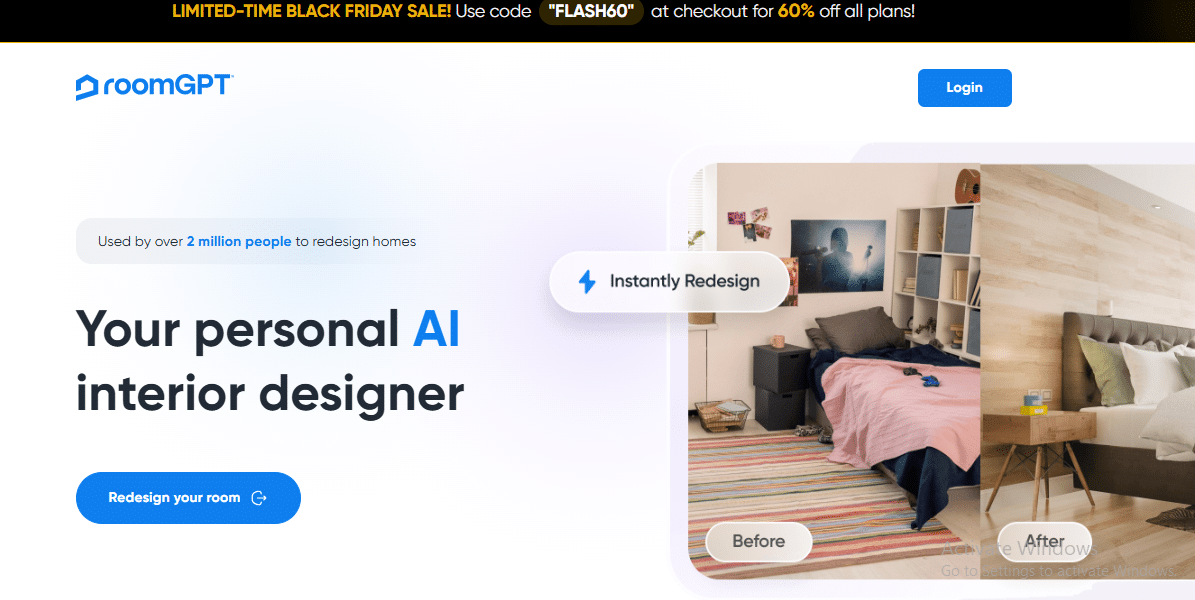
RoomGPT takes a photo of your existing room and a style preference (e.g., mid-century modern, minimalist, coastal) and generates redesigned versions of that space using AI. It’s useful for quick brainstorming, you can cycle through multiple styles in minutes to see what resonates with a client. The free tier gives you a limited number of generations per day, with paid plans available for heavier use.
Pros:
- Fast concept generation
- Realistic AI renderings
- Brainstorm several styles.
Cons:
- Generated designs are concept-level, not production-ready, expect to refine details manually.
- The AI works from broad style categories, so it can miss specific client preferences like particular materials or brand aesthetics.
- Image resolution on the free plan is limited.
How to choose the right tool for your workflow
No single tool covers every stage of an interior design project, so most designers combine two or three depending on what they need.
For quick client ideation and mood boards: Start with RoomGPT to generate style variations from a room photo, then refine your material palette in Morpholio Board. If you need polished visuals and video walkthroughs from the same platform, Freepik handles image generation, video, and project collaboration in one place.
For spatial planning and floor layouts: MagicPlan is the fastest way to capture room dimensions on-site with your phone. Planner 5D lets you turn those dimensions into furnished 3D layouts you can share with clients.
For professional architecture-grade projects: Autodesk Revit is the standard for firms that need construction-ready documentation and BIM integration, though the cost and learning curve make it impractical for smaller studios.
For staging and product sourcing: RoOomy handles virtual staging for listing photos and presentations. Houzz is useful for finding purchasable furniture and decor that matches a specific style. IKEA Place lets clients preview specific pieces in their actual space using AR.
For paint and color decisions: ColorSnap Visualizer is free and fast for testing Sherwin-Williams colors on real room photos, useful during client consultations when decisions need to happen quickly.
The Future of AI in Interior Design.
Each tool on this list serves a different part of the design process. Freepik covers creative asset generation: images, video, and collaborative project boards. Planner 5D and RoOomy handle spatial visualization and virtual staging. Autodesk Revit is built for large-scale professional projects with BIM precision.. Autodesk Revit combines architecture and AI planning, and MagicPlan simplifies the floor planning. The Morpholio Board and ColorSnap Visualizer simplify colour palettes and mood boards, whereas IKEA Place and RoomGPT allow placing furniture in AR and brainstorming.
These tools are time-saving and more creative, and enable professionals to test daring ideas. AI has already become a vital component of contemporary interior design, as it assists designers in providing completed and customer-ready projects more quickly than ever.
Most designers won’t need all 10 of these tools, the right combination depends on whether you’re focused on ideation, client presentations, spatial planning, or material sourcing. The common thread is that AI is handling more of the repetitive work, which frees up time for the design decisions that actually require a human eye.
Frequently asked questions
Can AI tools replace an interior designer?
Not really. AI tools handle time-consuming tasks like generating layout options, staging empty rooms, or testing color palettes, but they don’t replace the design judgment, client relationship, and spatial intuition that a trained designer brings. Think of them as assistants that speed up the process, not substitutes for expertise.
Are AI-generated room designs accurate enough for client presentations?
It depends on the tool. Concept-level generators like RoomGPT produce visuals that work well for brainstorming and early discussions. For photorealistic renders suitable for final presentations, tools like Freepik’s AI Image Generator (using models like Nano Banana 2) or dedicated rendering software produce higher-quality results. Virtual staging tools like RoOomy also deliver presentation-ready outputs for real estate and staging contexts.
Do I need multiple AI tools, or can one tool do everything?
Most designers use at least two or three tools. Platforms like Freepik and Planner 5D cover a broader range of tasks (generation, editing, collaboration, and planning respectively), but specialized tools like MagicPlan for room scanning or ColorSnap for paint visualization handle their specific tasks better than any all-in-one solution. The right combination depends on whether your work focuses more on concept development, spatial planning, or client-facing presentations.
Are these tools free to use?
Most offer a free tier with limitations, fewer generations, lower resolution, smaller asset libraries, or watermarked exports. For professional use, expect to pay for at least one or two tools. Pricing ranges from free apps like IKEA Place and ColorSnap Visualizer to professional subscriptions like Autodesk Revit at over $4,500/year. Mid-range options like Freepik (starting at $5.75/month), Planner 5D, and MagicPlan sit between $8 and $12/month on annual plans.
What’s the difference between AI image generation and virtual staging?
AI image generators (like Freepik or RoomGPT) create entirely new visuals from text prompts or style references; they’re useful for exploring concepts that don’t exist yet. Virtual staging tools (like RoOomy) take a photo of an actual empty room and add realistic furniture and decor into the existing space. Image generation is better for ideation; virtual staging is better for marketing real spaces.