Having a home 3D printer can bring your ideas to life. From custom toys to replacement parts, there are various benefits of having a 3D printer at home. But choosing one that delivers performance and reliability can be challenging. In this guide, we will break down the cost, features, and some factors to consider when choosing the best budget 3D printer for home use.
How Expensive Is 3D Printing at Home?
In recent years, 3D printing has become very affordable. The average price of a 3D printer can range anywhere from several hundred dollars to over $1,000.
Cheap 3D printers are priced at lower levels under $250. $500 is a solid budget in which you can get a reliable model with good features. A model near $1,000 typically offers larger build areas, enhanced printing accuracy, and expanded material compatibility.
In addition to the base printer price, there are also ongoing costs such as filament, replacement parts, etc. The price of electricity to operate the printer can also be added to this expense.
FDM vs. Resin: Which Is Cheaper for Home Use?
FDM printing and resin-based printing are popular in the desktop printing market. However, for home use, FDM 3D printers are a superior choice.
- FDM Printers: The printers operate with plastic filament, which has lower costs compared to resin printing. The 1kg spool of PLA costs between $15 and $25 and can produce multiple printed items.
- Resin Printers: Resin printers create smoother surface results, but they need liquid resin, which increases printing expenses. The process also requires chemical post-processing and ultraviolet light curing.
FDM printers provide home users with better value than other printing options. They are budget-friendly and practical.
Total Cost of Ownership
Beyond the initial purchase, there are other costs involved. Here are some associated expenses you should consider when buying a 3d printer for home use:
- Filament & Material Costs: The most commonly used material in 3D printing is PLA. Typically, its price ranges between $18-$30 per KG. With regular prints, the recurring cost of filaments adds up over time.
- Accessory & Replacement Part Costs: Nozzles and build plates require periodic replacement. The cost of replacements generally falls between $30-$100 annually.
- Model Files: Basic models are free, but you have to pay for premium ones. They typically cost $5-20.
- Electricity Costs: Desktop FDM 3D printers usually use 50 to 200 watts while printing. Energy usage can become another small, yet ongoing cost that adds up quickly.
All of these factors add to the cost of ownership of a home 3d printer.
Is It Worth Having a 3D Printer at Home?
Here is the practical value of 3D printers:
- Educational use for kids: By using a home 3D printer, kids can learn skills like design, problem-solving, and basic engineering.
- Family projects: For families, 3D printing can become a shared activity. They can design and create toys, decorative items, and useful products while collaborating.
- Practical household items: With a cheap 3D printer, you can print parts for broken appliances, cable management systems, and more.
- Business Opportunities: People can use their home 3D printers to make products to sell online. Therefore, a high-quality printer can quickly pay for itself through sideline earnings from its product sales.
What to Consider When Buying a Cheap 3D Printer for Home Use
Let’s take a look at some of the factors you should consider when buying a cheap 3D printer:
- User-Friendly features to check for: Automatic bed leveling and calibration features offered by printers, such as those from Bambu Lab, will keep you away from frustration when trying to set the printer up manually.
- Safety: Enclosed 3D printers are safer around children and pets, as they prevent contact with the hot parts of the printer. In addition, many printers have built-in air filters that improve air quality.
- Noise: When buying a home 3D printer, consider the noise levels. Quiet printers operate at 45-50 decibels (dB), similar to a quiet conversation.
- Software Programs: An easy-to-use slicing software program will simplify your experience. Look for software that has preset settings that do not need adjustments to work. Mobile apps like Bambu Handy let you monitor prints remotely.
- Model Sites: For beginners, free model libraries are helpful. Sites like Makerworld provide thousands of ready-to-print designs.
- Reliability: An affordable 3d printer should be reliable and need minimal troubleshooting.
Which 3D Printer Should I Buy for Home Use?
Best Budget 3D Printer for Kids and Beginners: Bambu Lab A1/A1 mini
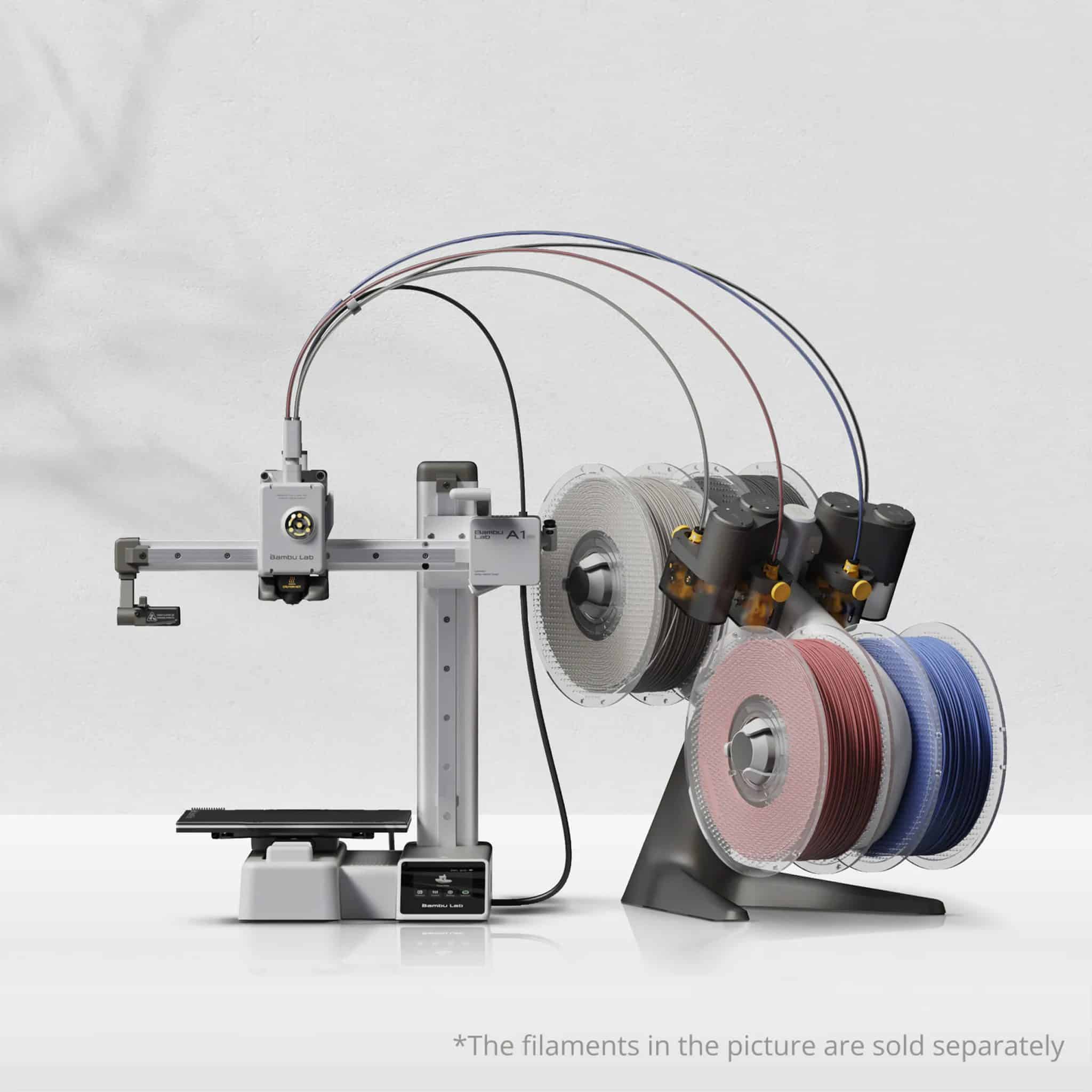
Families looking for affordable 3D printers should consider the Bambu Lab A1 and A1 mini. Both have similar features. The A1 mini is priced at $219. The A1 is priced at $299 and has a larger build volume and can print in multiple colors.
Both models are easy to set up and have automatic calibration. They operate at 48 decibels, making them appropriate for home use. With their open-frame design and user-friendly features, the Bambu Lab A1/A1 mini is particularly suitable for educational and home use, allowing children to see firsthand how objects are built layer by layer.
Key specifications:
- A1 mini: 180 mm x 180 mm x 180 mm build volume
- A1: 256 mm x 256 mm x 256 mm build volume
- Printing speed of 500 mm/s
- Multi-color printing with AMS Lite (A1)
Best Home 3D Printer Under $500: Bambu Lab P1S
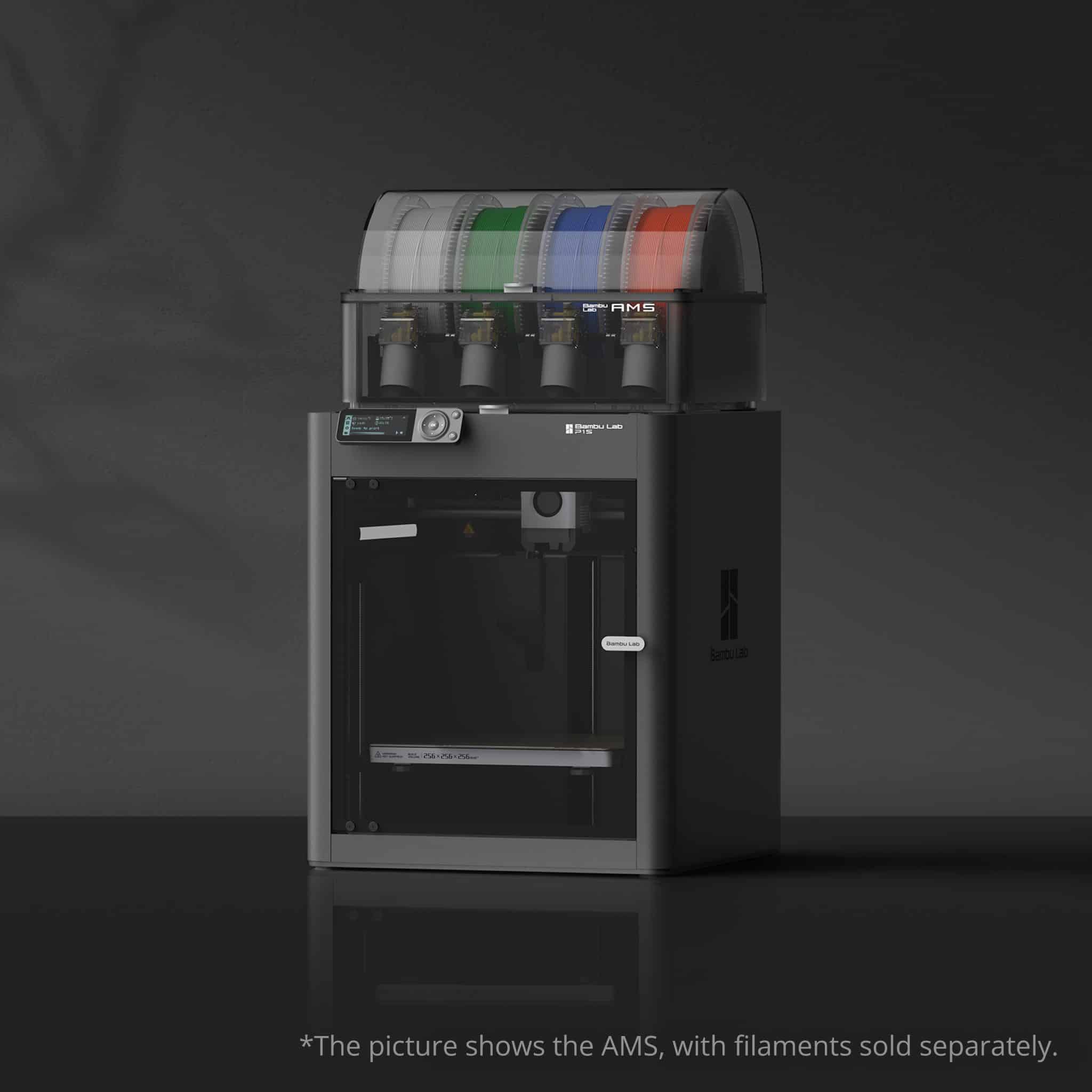
A cheap 3D printer that costs less than $500 is the Bambu Lab P1S. It is the best low cost 3d printer with an enclosed design.
The fully enclosed design allows you to use filaments that require controlled temperature, like ABS, ASA, and nylon. There is also an air filtration system in the enclosure to capture printing fumes. It’s fair to say that the Bambu Lab P1S offers excellent value for money.
Key specifications:
- 250 mm x 250 mm x 250 mm build volume.
- The fully enclosed design of the printer.
- Built-in air filter.
- Printing speed of 500 mm/s.
- And supports multiple filament types: PLA, PETG, TPU, PVA, ABS, ASA, PA, PET, and PC.
Best Home 3D Printer Under $1000: Bambu Lab P2S
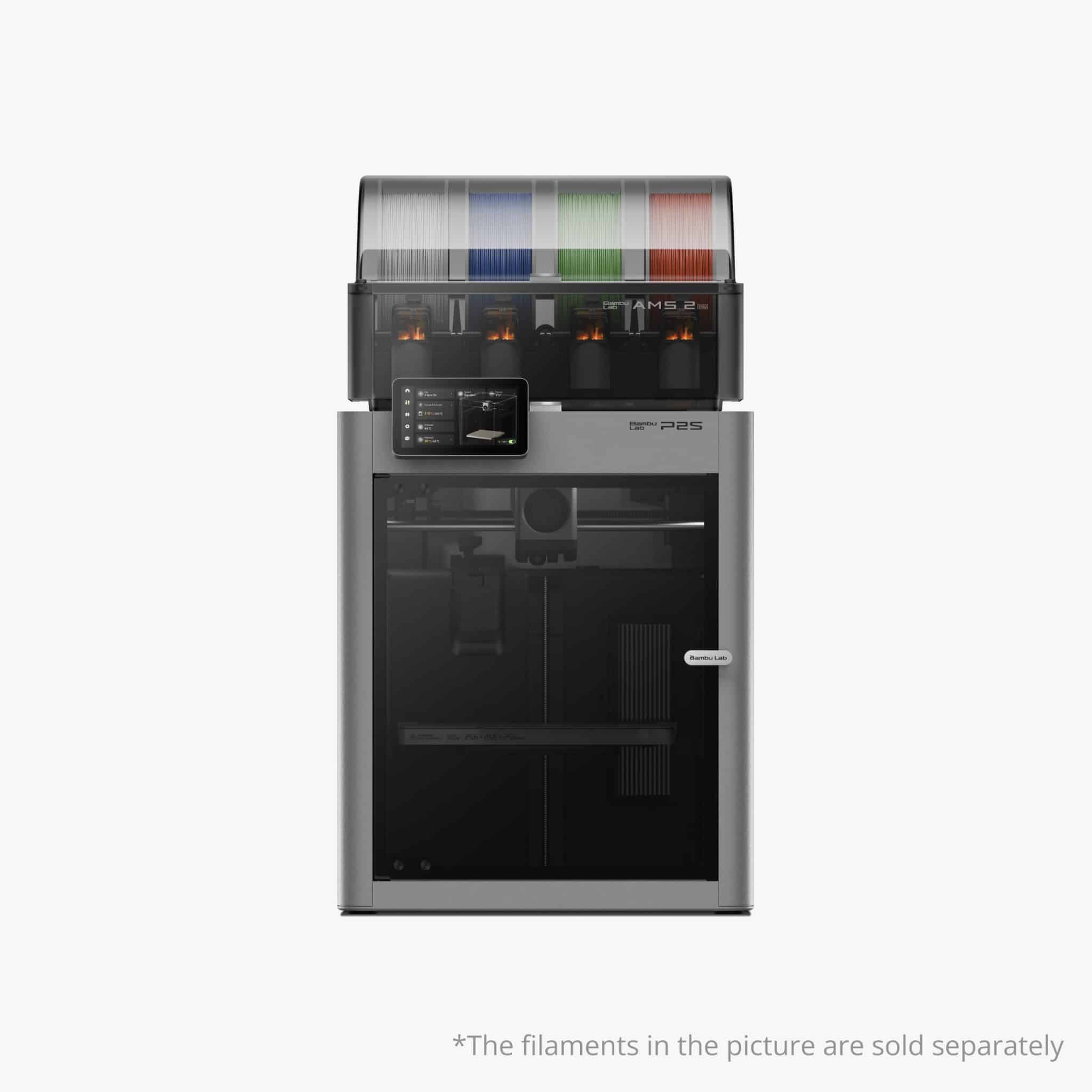
Under $1000, the Bambu Lab P2S offers professional features and industrial-grade reliability for the serious hobbyist, advanced home users, and small workshops. This printer is compatible with carbon fiber materials and produces high-quality prints.
Features:
- Build size: 256 x 256 x 256mm
- Fully Enclosed
- Max Nozzle Temp: 300ºC
- Multi-Coloured Up to 20 Colours
- Carbon Fibre Material Support
Conclusion
When choosing the best budget 3d printer, you should consider your budget and other requirements. The A1 mini or the A1 are priced under $300, so they are ideal for beginners or families. The P1S has an enclosed design that offers great value under $500 and supports more kinds of materials than any other printer in its price point. The P2S is designed for the home user who needs more professional features and is priced under $1000.