Security camera installation cost swings from a couple hundred bucks for a DIY two-camera setup to tens of thousands for a wired commercial system with compliance requirements baked in.
The gap comes down to a handful of choices: wired or wireless, pro install or your own toolkit, basic footage or AI-powered alerts.
Skip the guesswork; this blog breaks down what actually drives your price, what installers won’t volunteer upfront, and how to avoid paying for storage or upgrades you never saw coming.
How Much Does Security Camera Installation Cost?
A full security camera installation typically costs between $590 and $2,040.
A basic two-camera home setup starts at around $400, while an eight-camera system with wiring and configuration can cost up to $2,500.
Labor alone runs $80 to $200 per camera. Equipment adds another $50 to $400 per unit, depending on resolution and features.
Commercial systems cost far more, often starting at $1,500 and climbing to $50,000 or more for large campuses with built-in compliance requirements.
How to Estimate Your Security Camera Installation Cost?
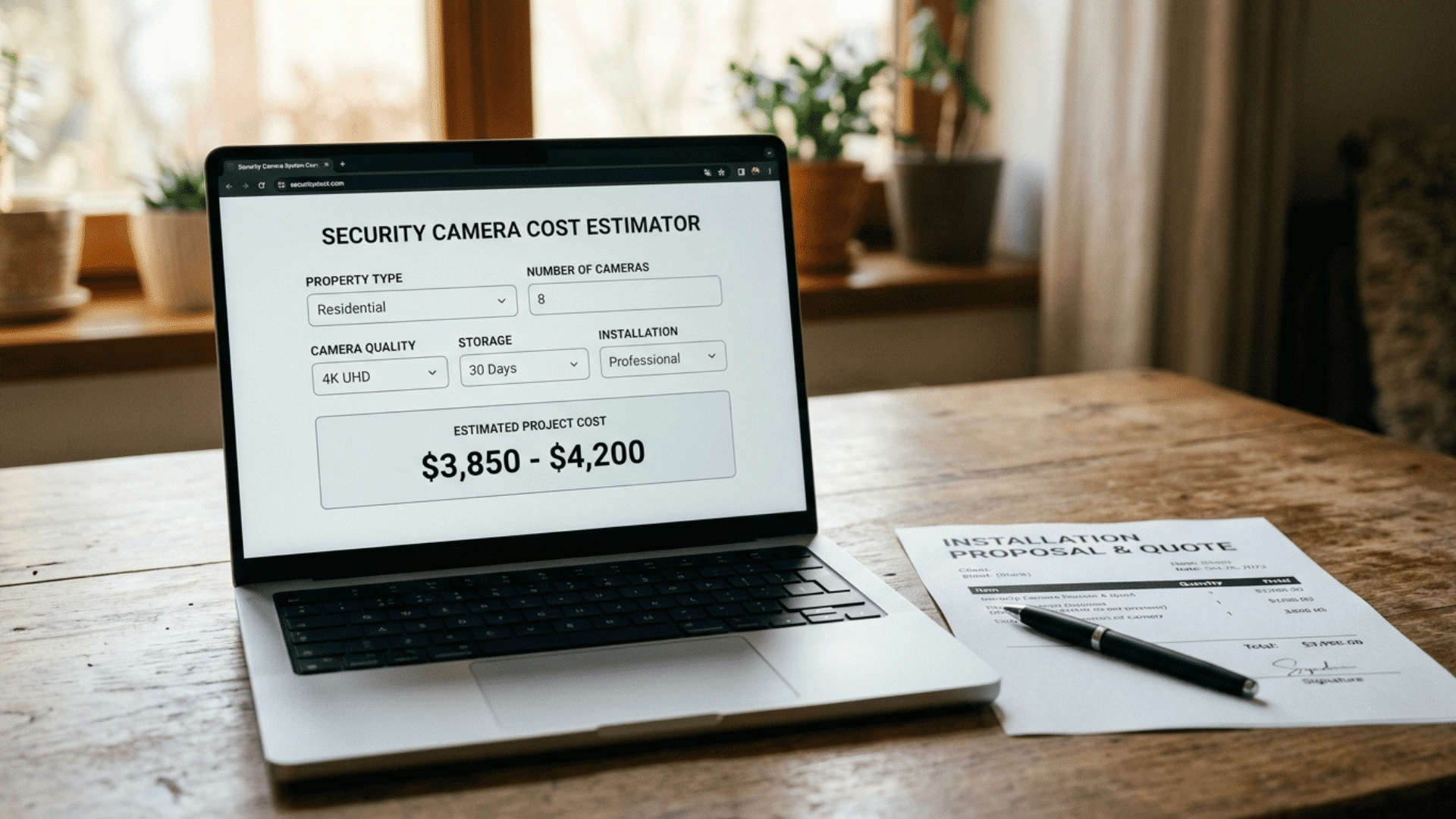
Online calculators provide a starting estimate, but only a real quote from a local installer accurately accounts for your property layout, wiring needs, and camera placement.
1. Try an Online Cost Calculator First
Most installer websites offer free calculators that ask for camera count, property size, and wired or wireless preference.
They generate a ballpark range within minutes, which is useful for setting a budget before you reach out to any company directly.
Free Online Cost Calculators to Try:
- HomeGuide: Cost guide with a built-in calculator
- Safe and Sound Security: Personalized estimate based on camera count, storage, and site conditions
- On-Site Technology: Detailed calculator by facility type, camera count, and compliance needs (more business-focused)
- Get Safe And Sound: Quick quiz-style estimator, results in under a minute
2. Request Quotes From Local Installers
Contact two or three local security companies and ask for an in-person or virtual walkthrough.
This step catches wiring issues, blind spots, or network limitations a calculator can’t detect, and results in a firm, itemized price.
3. Compare Labor and Equipment Separately
Ask every installer to break down labor cost per camera and equipment cost as separate line items.
Bundled totals often hide markups, making it harder to tell which quote genuinely offers better value for your budget.
4. Confirm What’s Included Before Booking
Check if the quote covers system configuration, mobile app setup, and a final walkthrough.
Some installers charge extra for these steps once the base installation is already finished, which can inflate your final bill.
How you’re quoted also depends on whether the provider prices per camera or sells everything as a bundle.
Factors Affecting the Cost of Security Camera Installation
Several factors decide your final bill, and small choices in equipment or setup can shift the total by hundreds of dollars either way.
- Camera Type: CCTV units cost $50 to $200 each, while IP cameras with remote access and cloud storage run $100 to $400.
- Wired vs Wireless: Wired systems require more labor and cost $150 to $450 per camera, while wireless setups often stay under $400 total.
- Number of Cameras: Per-camera cost decreases as you add more cameras, but the total system cost still rises with each additional unit.
- Advanced Features: Night vision, AI-based motion alerts, and PTZ controls add $100 to $300 per camera over standard models.
- Installation Method: Hiring a professional adds $80 to $200 per camera in labor, while DIY cuts that cost but shifts the risk to you.
Bundled Packages Vs Per-Camera Pricing
Many providers sell bundled packages that combine equipment, installation, and monitoring rather than pricing each camera separately, which changes how you should compare total cost.
| Provider | Starting Equipment Cost | Installation Type | Monitoring |
|---|---|---|---|
| Frontpoint | $69 (equipment packages) | DIY, self-install | From $44.99/month |
| Cove | $59.99 per additional camera | DIY, self-install | From $22.99/month (camera support at $32.99) |
| SimpliSafe | $250.96 (Foundation package) | DIY, self-install | From $22.99/month |
| Ring | $199.99 (equipment bundle) | DIY, self-install | From $19.99/month |
DIY Vs Professional Security Camera Installation Costs
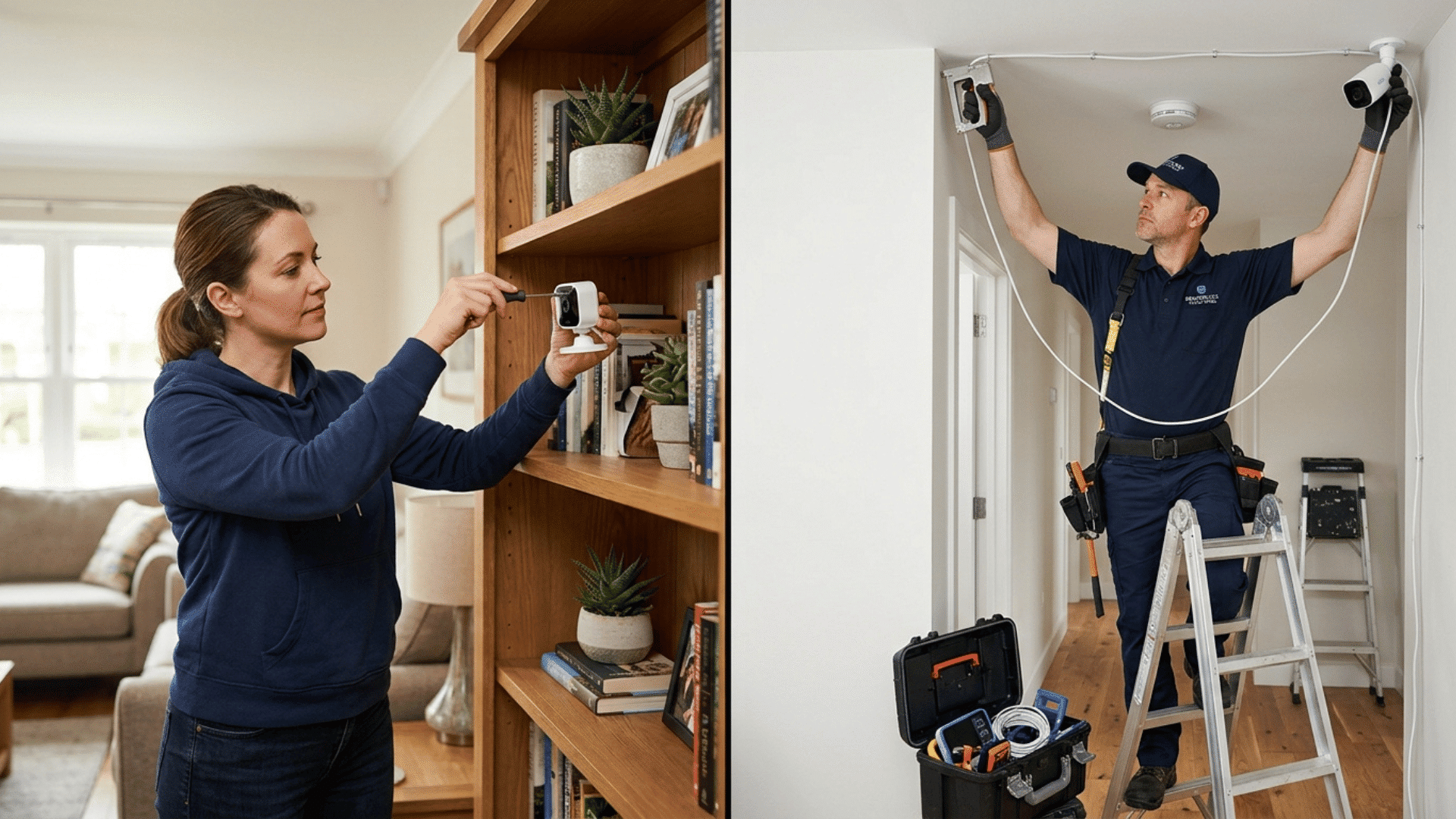
DIY installation saves $80 to $200 per camera in labor, making it the cheaper choice for small setups with two or three cameras and simple wiring needs.
The risk shows up later. Blind spots, weak Wi-Fi signal, and incorrect camera height are common mistakes that reduce coverage and image quality.
A professional install costs more upfront, but it includes proper placement, network setup, and testing.
For larger homes or commercial properties, that accuracy usually outweighs the savings from doing it yourself.
What Do Real Customers Actually Say?
Real project costs reported by homeowners across different cities show wider swings than most guides admit, often shaped by local labor rates and add-on wiring work.
Unless you want to go through all the hassle of installing new wiring for cameras, or you have active RJ45 network jacks in all the camera locations, wireless is your best option. It lets you place them where you want them, and allows you to access recordings with your phone. scifitechguy
$400ish for interior, $550ish for exterior. That’s just labor, cable and materials would be more. N226
When my cameras were installed I paid $125 per camera plus cat 6 drop. The guy did such a clean job. He also ran cat 6 to another room for $50. Aaejay83
You are loosing money my friend. Unless you are just drilling straight through walls and running cables on floors around the rooms of the house or dangling loose cables outside. $100 per POE outdoor camera does not even pay for the materials used: cable, clips, staples, gromets, silicone, labels, RJ45 ends, wall plates, possible cable patch panel, and patch cables. DizzyAd9643
Hidden Costs Beyond Cameras and Labor you Need to Know
Beyond cameras and labor, several recurring or one-time expenses often catch homeowners off guard and push the final bill higher than expected.
- Cloud Storage: $3 to $25 per camera per month for access to footage and backup.
- Professional Monitoring: $20 to $100 per month if you want a 24/7 alert response.
- DVR or NVR Unit: $100 to $800, depending on storage capacity and number of channels.
- Permits: Required for many commercial installs, adding administrative and inspection fees.
- Network Upgrades: Router or bandwidth upgrades needed to support multiple live-streaming cameras.
- Extra wiring: Hard-to-reach areas or detached structures add labor time and material cost.
The Bottom Line
Security camera installation cost varies by system size, camera type, and who does the work, not by a single fixed amount every homeowner should expect to pay.
Comparing installer quotes, checking package options, and reading real customer feedback protects you from paying for coverage or features you don’t actually need.
Before you buy, get at least two quotes and confirm exactly what each price includes. That single step decides if your system fits your budget or blows past it.
Frequently Asked Questions
How Can You Cut Security Camera Installation Cost?
Bundle multiple cameras into one visit, choose mid-range models over premium ones, and ask installers about seasonal or multi-camera discounts before booking.
Does My Insurance Cover Camera Installation?
Insurance won’t cover the purchase, but monitored systems often qualify you for a 5% to 20% discount on your annual premium.
Is Financing Available for Security Camera Installation?
Many providers, including ADT and SimpliSafe, offer 3- to 24-month financing plans, letting you spread equipment and installation costs into monthly payments.