A seated reach test can reveal why a desk feels awkward, cluttered, or dim, and exactly what to change.
Sit at your desk and reach for the thing you usually need after the keyboard. Maybe it is a pen, a charging cable, a notebook, or a stapler. If the movement sends your elbow through a stack of paper or pulls you halfway out of the chair, the room has already offered a useful piece of design advice.
A workspace can look finished in a photograph and still feel awkward by lunchtime. Its trouble appears through motion: standing up for a pen, shifting a lamp to read a document, opening three drawers before finding a paper clip. These tiny interruptions reveal where the layout and the working day disagree.
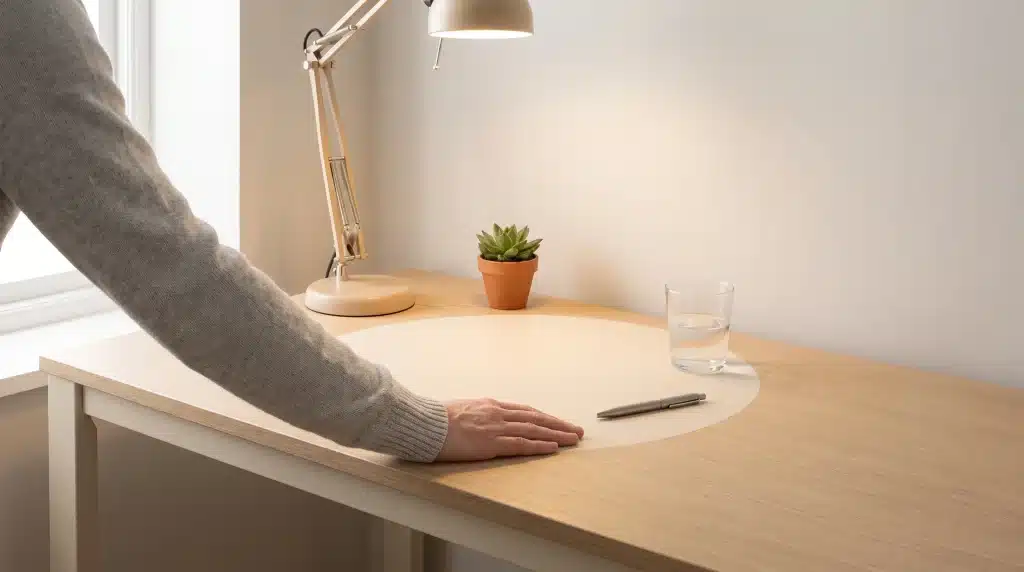
The one-arm test turns those movements into a floor plan. Sit in your normal working position and sweep one forearm across the desk in a relaxed arc. That crescent is prime working space. Everything placed there should earn the position through regular use.
Map the Desk From the Chair
Begin with an empty desktop and return the objects touched during the first hour of work. The keyboard and mouse will probably occupy the center. A notebook may sit beside the writing hand. The phone, water glass, and current project can settle around them.
Stop when the arm begins stretching or the shoulders start turning. That edge marks the boundary of the immediate work zone.
Items used a few times each day belong just beyond it. Reference books, a tape dispenser, headphones, and incoming mail can occupy a shelf, side return, or the far corner of the desk. The printer and archived files are allowed to require standing. Frequency determines distance, giving the layout a reason beyond visual symmetry.
Build One Bright Work Pocket
Overhead lighting treats the room as one broad surface. Desk work is smaller and more specific. The page, keyboard, and hands need a defined pocket of light that stays inside the working zone without taking over valuable space.
When comparing LED desk lamps, look for an adjustable head or arm that can send light across the page without pointing directly into your eyes or screen. Place the base near the outer edge of the reach arc. Right-handed writers may prefer the lamp on the left, while left-handed writers can reverse the arrangement to keep the writing hand from casting a shadow.
Turn the lamp on during the part of the day when the office is hardest to use. Morning assumptions rarely survive a cloudy afternoon or an evening deadline. Adjust the angle then, and mark the lamp’s position with a small felt pad beneath the base. It will return to the useful spot after cleaning without another round of trial and error.
Give the Drawer a Working Order
Now repeat the reach test below the desktop. Open the nearest drawer without changing posture. Its front section is valuable because the hand finds it almost automatically. Pens, sticky notes, clips, and the charging cable used every day belong here. Refills, spare batteries, and less familiar tools can move toward the back.
Use desk drawer organizers to create compartments around the sequence of work. A perfect stationery display is beside the point. A narrow section might hold the pen and highlighter used while reviewing documents. A small square can collect clips removed before scanning. A longer compartment can keep a ruler or charging lead from crossing the drawer and trapping everything beneath it.
Leave one compartment empty. That space receives temporary objects during a busy day and prevents them from being dropped into whichever section happens to have room. Clear it at the end of the week, when a five-minute reset feels manageable.
Move Decoration to the Perimeter
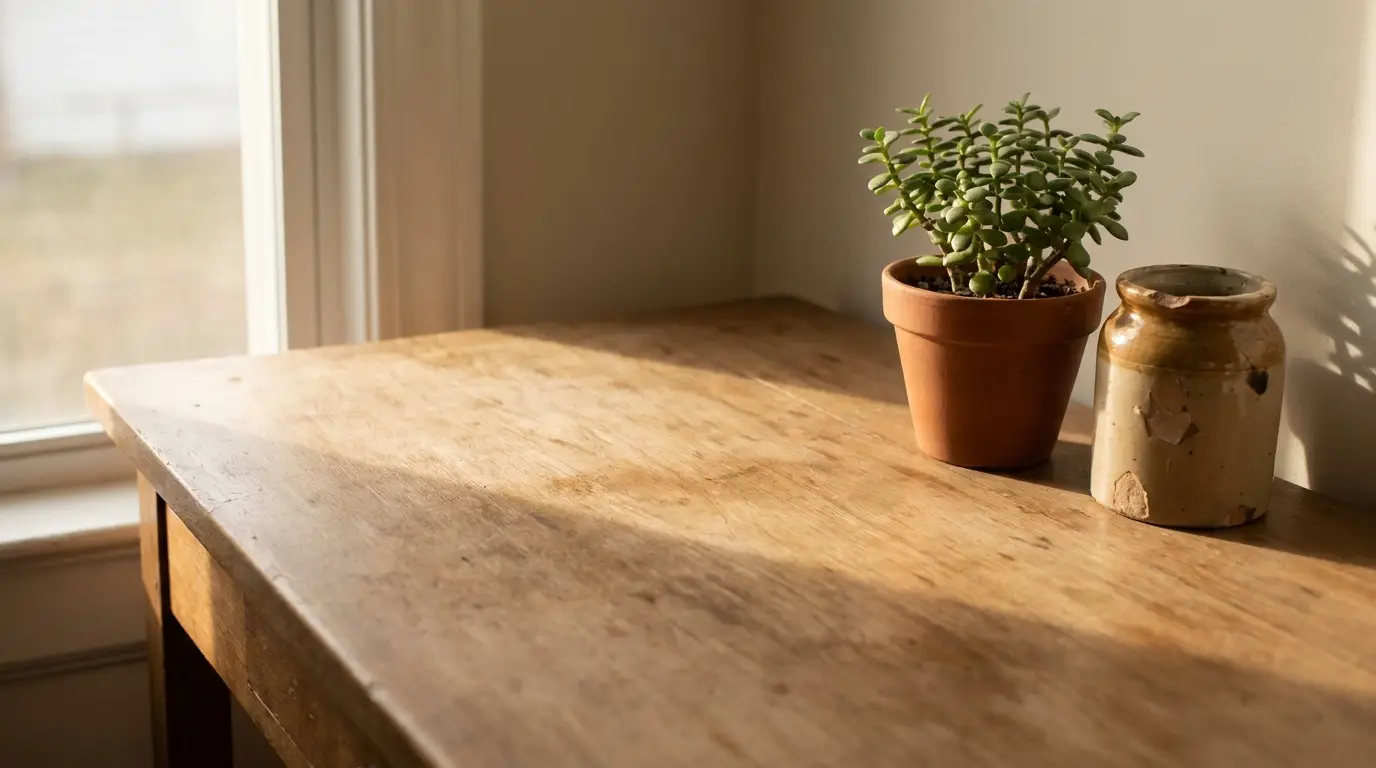
Decor still belongs in the office. Give it a different map. A framed photo placed in front of the charging point becomes an obstacle several times a day. Move it to the far corner and it creates the same warmth without competing with the work.
Use the perimeter for the pieces that give the room character: a small plant, a vintage container, a thrifted letter holder, or a favorite piece of art.
Grouping two or three objects creates a clearer decorative moment than scattering them through the reach zone. The center stays active, while the edges carry the personality.
Let the Wall Absorb the Overflow
A crowded reach zone often points to objects that have no destination. Give the wall above or beside the desk a supporting role. A floating shelf can hold reference books, while a cork strip can take reminders off the work surface.
A cork strip can take reminders off the work surface. Hooks beneath a shelf provide a home for headphones and charging leads.
Keep this vertical storage shallow and selective. The desk should not feel as though a packed cabinet is leaning over it. One useful rail or shelf, aligned with the edge of the desktop, will look intentional and leave the work area visually open.
Run a Seven-Day Friction Audit
Live with the new arrangement for a week before buying more storage. Keep an index card beside the keyboard and add a mark whenever an item is difficult to reach, blocks another object, or has to be moved before work can continue. The pattern becomes visible quickly.
Three marks beside the stapler suggest a closer home. Repeated notes about glare call for a lamp adjustment. A drawer that still jams may contain supplies that belong elsewhere. Each mark leads to a small correction grounded in actual use.
Let the Desk Learn Your Routine
Real movements shape the one-arm home office. Light lands where reading happens. Daily tools wait where the hand expects them. Decoration frames the workspace without interrupting it.
Sit down once more and repeat the original reach. If the next pen, page, and pool of light arrive without thought, the room and the working day have finally agreed on the plan.