The question that separates no subscription security camera systems from cloud plans is not cost alone. It is which failure scenario you can accept, whether that is stolen hardware taking the only clip, a monthly bill nearing $900 over five years, or lost recordings during an outage.
Local storage shifts who manages that risk, not whether risk exists. This guide covers subscription math, theft and damage risks, how long clips stay on local cards and drives, remote access without a paid plan, recording when the internet drops, and how to choose based on your worst case.
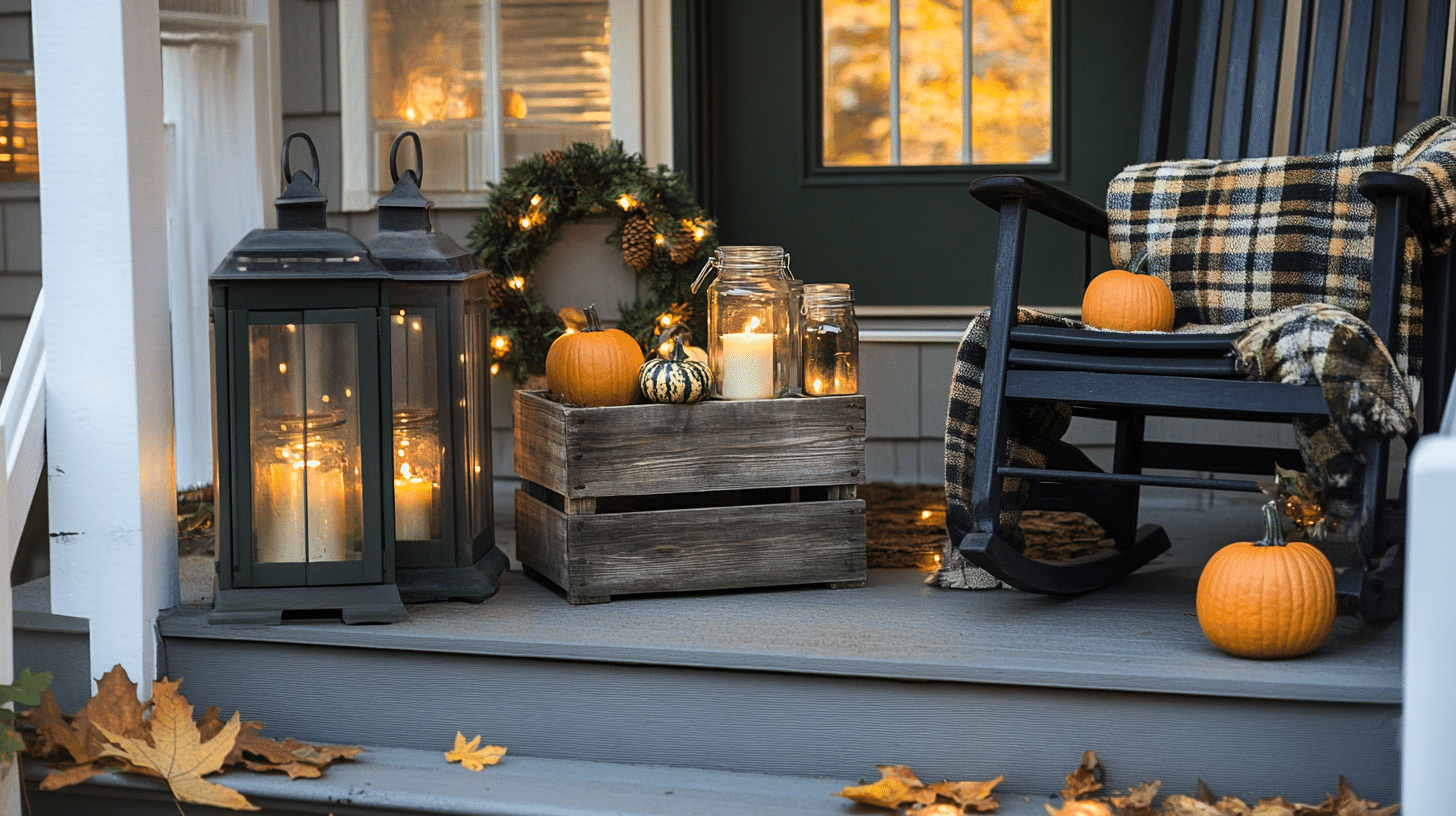
Solar-powered outdoor PTZ camera on house exterior monitoring street scene.
Table of Contents
- What no subscription security cameras cost versus cloud plans
- What local storage loses when cameras are stolen or damaged
- Storage capacity decides how much history you really keep
- Remote access still works with a no subscription security camera
- Local video can survive internet outages
- Choose based on your worst-case scenario
- Conclusion
What No Subscription Security Cameras Cost Versus Cloud Plans
A $10 monthly plan adds up to $360 over three years and $600 over five. A $15 plan reaches $540 and $900 over the same periods. That is before counting the original camera price, extra units, or upgraded storage tiers.
Money freed from a recurring plan can go into better lenses, more cameras, a larger local drive, or a stronger router.
That shift has a real cost. Cloud plans hide storage administration from the user. Old clips expire on schedule, off-site copies stay on the provider’s servers, and the app manages the timeline automatically. With no monthly fee, those tasks move to you.
Someone has to choose the recording mode, understand overwrite cycles, check storage health, and know what happens when hardware fails. The value is genuine. It is also a responsibility transfer, not a free upgrade.
The long-term comparison also depends on how many cameras the home runs. One camera on a paid plan may cost less than a local hub and drive for over two years.
Four cameras on the same plan can tip the math the other way quickly, especially if the plan charges per device or per storage tier.
What Local Storage Loses When Cameras Are Stolen Or Damaged
Theft is the most direct gap. If a camera stores footage on a microSD card inside the device and someone removes it, the evidence leaves with the hardware.
On-camera storage works best when the camera is mounted high, hard to reach, or covered by a second camera that watches the approach. A low fence post is a very different risk from a soffit mount under the roofline.
Centralized storage solves that problem by separating capture from storage. In an NVR, DVR, or HomeBase-style setup, the camera sits outside while footage lands on hardware hidden inside the home. Stealing the camera no longer means stealing the clip.
Physical damage is a second failure mode that often goes unmentioned. A microSD card can fail from heat cycles, humidity, or write exhaustion, and an NVR drive can crash. Both outcomes erase footage just as completely as theft does.
Off-site cloud storage survives local hardware failure by design. Local-only systems do not have that fallback, which is why keeping the storage device indoors and maintained matters as much as camera placement itself.
Storage Capacity Decides How Much History You Really Keep
Local storage is not an infinite archive. It is a loop. Once the card or drive is full, most systems overwrite the oldest footage first. How long that loop takes depends on three things: storage size, resolution, and whether the camera records continuously or only on motion.
|
Storage |
Resolution |
Recording mode |
Rough retention |
|
32 GB microSD |
1080p |
Motion only |
Several weeks |
|
32 GB microSD |
4K |
Continuous |
1 to 2 days |
|
64 GB microSD |
2K |
Motion only |
3 to 4 weeks |
|
1 TB NVR drive |
4K |
Continuous, 1 camera |
4 to 6 weeks |
|
1 TB NVR drive |
4K |
Continuous, 4 cameras |
Around 1 week |
These are rough estimates. H.265 compression stores video more efficiently than H.264, but actual savings depend on scene activity, bitrate, night mode, and camera settings.
The real question is not only how much storage the device has. It is how many cameras are writing to it, at what resolution, and for how many hours per day.
Remote Access Still Works With A No Subscription Security Camera
No subscription means no remote viewing. Many systems still send alerts, open live feeds, and allow clip reviews from a phone. The difference is that the camera is not relying on a paid cloud storage plan as the default archive.
How local remote access works. The camera or local hub records on-site, then the app reaches back to that system through secure remote access. Your home internet upload speed matters, as do router stability and Wi-Fi signal strength.
Cloud-dependent setups like Nest or Ring handle more of that delivery layer on their end, which can feel easier, but the downside is ongoing cost and dependency on the provider staying online.
What local systems cannot guarantee. If your upload speed is weak, live view from another state may lag. If your router locks up, the app may not reach the camera until the network returns.
Remote access can be interrupted while local recording continues. That distinction matters: the footage may still exist even when you cannot reach it remotely.
Historical access has a hard ceiling. A local system can only show footage within the current overwrite cycle. If you travel for two weeks and motion clip storage on your card covers roughly ten days, the first four days of that trip may already be gone by the time you check.
A cloud plan with a fixed retention period keeps that window intact regardless of when you log in. Once remote access and retention limits make sense for your routine, the prime day security camera page is a practical place to compare seasonal deals on no-fee hardware.
Local Video Can Survive Internet Outages
Cloud-dependent systems are most vulnerable when the network fails. A router crash, ISP outage, storm, or cut cable can stop video from reaching the cloud. Depending on the model and plan, that may mean missed recordings, delayed alerts, or no saved event at all.
A local storage security camera system handles that failure differently. If the camera and storage device remain powered, recording can continue inside the local setup even when the outside internet is down.
The phone notification may wait. Live view may be unavailable when you are away from home. But the clip can still exist on the local card, hub, or drive.
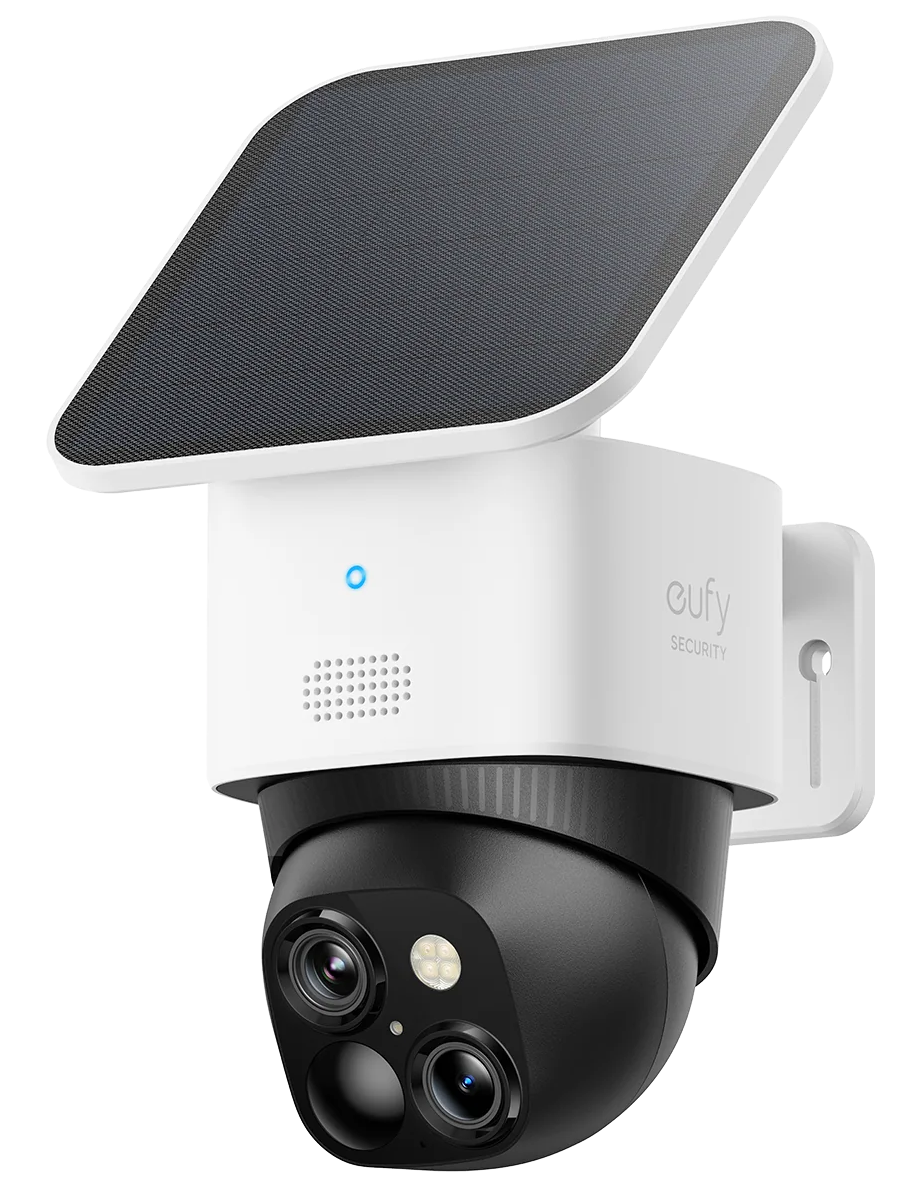
Product architecture decides how strong that benefit is. In the case of the eufy SoloCam S340, the relevant details are solar power, local storage, and motion-based outdoor coverage. Its removable solar panel keeps the camera running on about two hours of direct sunlight a day, so a short power or internet disruption does not stop event recording.
Footage saves locally with no monthly fee, which means clips from the outage window stay on the device rather than failing to upload to a cloud server that cannot be reached. Its 360° pan-and-tilt coverage also lets one camera watch a gate, porch, and driveway without repositioning.
It is a motion-based outdoor camera, not a 24/7 continuous recorder, but for perimeter events during temporary outages, those three design choices work together.
Choose Based On Your Worst-Case Scenario
The right answer depends on which downside bothers you least.
Privacy, cost control, and outage resilience matter most. Local storage is the best fit. Homeowners comparing a local storage security camera setup who are comfortable checking storage settings, placing cameras carefully, and keeping the router or hub in good condition tend to do well here. It also fits anyone who dislikes paying a monthly fee per device.
Off-site backup, low maintenance, or hardware theft protection matters most. A cloud subscription is the better fit. The clip may already be off-site before anyone touches the camera. It also simplifies sharing footage, managing multiple homes, and recovering video after a drive fails. The cost is ongoing, and some users are less comfortable with third-party storage.
Both layers matter, but neither fully solves your concerns. A hybrid setup may work. Local storage handles daily events, while optional cloud backup covers key cameras such as the front door or driveway. That middle path requires a budget that supports both layers.
Start from the failure you fear most, not the feature list. Ask what happens if the camera is stolen, the card corrupts, the internet drops, or you need footage from three weeks ago while traveling. The system that answers those scenarios cleanly is the one that fits your household.
Conclusion
A no subscription camera system gives you control over cost and data, but puts you in charge of the failure modes. Local storage has to be sized, protected, and checked. Remote history access stops at the overwrite cycle.
If those constraints fit your routine, one-time hardware cost tends to outperform five years of monthly fees. If off-site backup, hardware failure protection, and full historical access matter more, the monthly plan earns its keep.
Once you know your worst case, browse the eufy security cameras collection to compare local storage, cloud-ready, and hybrid options side by side.