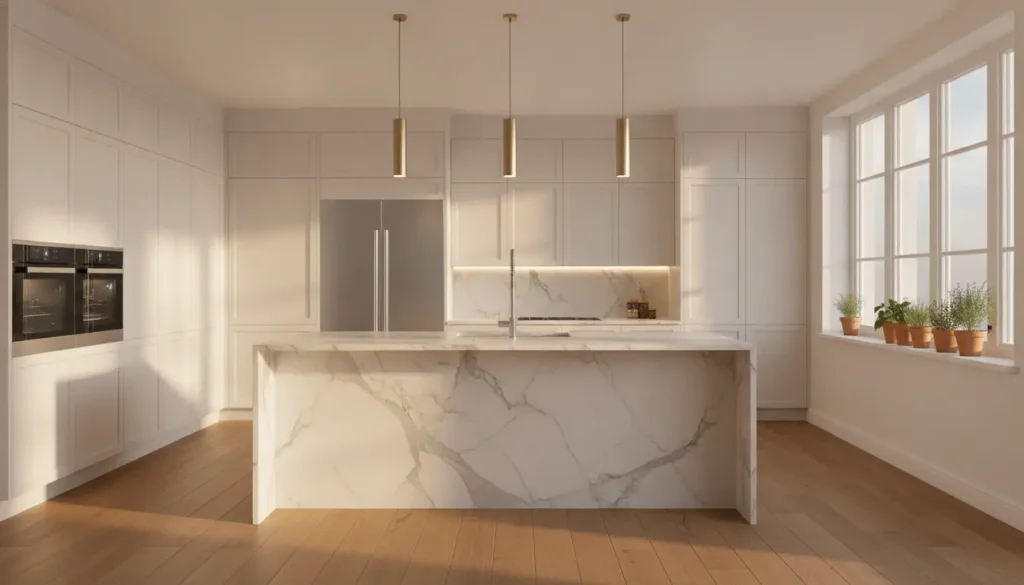
Designing a kitchen is one of the most important steps in any home renovation or new construction project. A well-designed kitchen should be attractive, practical, and tailored to your daily lifestyle. However, planning the ideal layout, selecting materials, and organizing appliances can quickly become overwhelming without the right resources. A kitchen design tool makes the process much easier by allowing homeowners to create, customize, and visualize their dream kitchen before construction begins.
Whether you’re updating a small apartment kitchen or building a spacious open-concept cooking area, a kitchen design tool helps you make informed decisions while reducing costly mistakes.
What Is a Kitchen Design Tool?
A kitchen design tool is software or an online application that helps users plan and visualize a kitchen layout. These tools allow homeowners, interior designers, contractors, and builders to experiment with different design ideas in a digital environment before starting a renovation.
Most kitchen design tools include features that let users:
- Create floor plans
- Arrange cabinets
- Position appliances
- Select countertops
- Choose flooring
- Test wall colors
- Add lighting fixtures
- View designs in 2D or 3D
Instead of relying on imagination alone, users can see realistic previews of their future kitchen and make adjustments as needed.
Why Use a Kitchen Design Tool?
Planning a kitchen involves many important decisions. Making changes after installation has begun can be expensive and time-consuming. A kitchen design tool helps reduce those risks by allowing you to explore ideas before construction starts.
Some of the biggest benefits include:
Better Visualization
It’s often difficult to imagine how different materials, colors, and layouts will look together. A design tool creates realistic previews that help you make confident decisions.
Saves Time
Instead of redrawing layouts by hand, you can quickly test different arrangements with just a few clicks.
Prevents Costly Mistakes
Seeing your kitchen before purchasing materials allows you to identify potential issues early in the planning process.
Encourages Creativity
Experiment freely with different cabinet styles, flooring options, lighting, and color combinations until you find the perfect design.
Features to Look for in a Kitchen Design Tool
Modern kitchen design software offers a variety of useful features that simplify the planning process.
Drag-and-Drop Layouts
Move cabinets, appliances, islands, and furniture into place without needing advanced design experience.
2D and 3D Views
Switch between floor plans and realistic three-dimensional renderings for a better understanding of your kitchen.
Cabinet Customization
Choose from different cabinet styles, colors, sizes, and finishes to match your home’s aesthetic.
Material Selection
Compare countertops, flooring, backsplashes, and wall finishes before making final decisions.
Appliance Placement
Arrange refrigerators, ovens, sinks, dishwashers, and microwaves to create an efficient cooking workflow.
Room Measurements
Enter accurate dimensions to ensure the design reflects your actual kitchen space.
Popular Kitchen Layouts
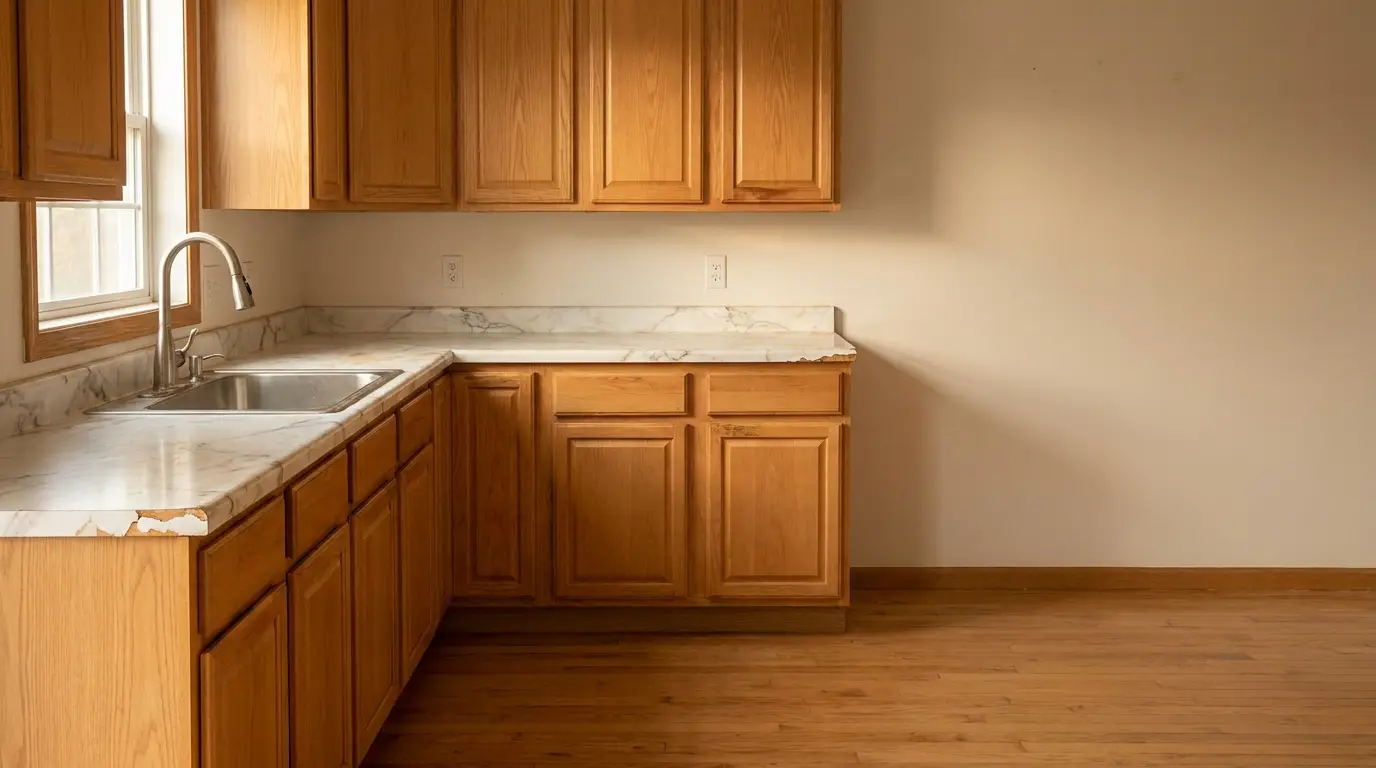
Choosing the right layout is one of the most important decisions during kitchen planning.
L-Shaped Kitchen
An L-shaped kitchen works well in small and medium-sized homes while providing plenty of workspace and maintaining an open feel.
U-Shaped Kitchen
This layout surrounds the cook with cabinets and countertops on three sides, offering excellent storage and preparation space.
Galley Kitchen
A galley kitchen features two parallel counters and is ideal for apartments or narrow rooms where space is limited.
One-Wall Kitchen
Perfect for studio apartments and compact homes, this layout places all cabinets and appliances along a single wall.
Island Kitchen
Adding a kitchen island increases storage, workspace, and seating while creating a central gathering point for family and guests.
Peninsula Kitchen
A peninsula extends from existing cabinetry and provides many of the benefits of an island while requiring less floor space.
How to Use a Kitchen Design Tool
Creating your dream kitchen is easier when you follow a step-by-step process.
Step 1: Measure Your Space
Record the room’s length, width, ceiling height, window locations, and door positions.
Step 2: Select a Layout
Choose the layout that best suits your available space and daily cooking habits.
Step 3: Add Cabinets
Position upper cabinets, base cabinets, pantry units, and storage areas.
Step 4: Place Appliances
Arrange major appliances such as the refrigerator, sink, oven, and dishwasher for maximum efficiency.
Step 5: Choose Materials
Experiment with different:
- Countertops
- Flooring
- Backsplashes
- Cabinet finishes
- Hardware
- Paint colors
Step 6: Review the Design
View the completed kitchen from different angles and make adjustments before finalizing your plans.
Designing a Functional Kitchen
A successful kitchen combines attractive design with everyday practicality.
Focus on Storage
Include features such as pull-out shelves, deep drawers, corner organizers, and pantry cabinets to maximize storage.
Improve Workflow
Position the cooking, cleaning, and food preparation areas so they work together efficiently.
Add Proper Lighting
Use a combination of ceiling lighting, task lighting, under-cabinet lights, and decorative fixtures to brighten the space.
Maintain Comfortable Walkways
Leave enough room between cabinets, islands, and appliances for easy movement.
Select Durable Materials
Choose surfaces that are easy to clean and capable of withstanding daily use.
Common Kitchen Design Mistakes
Even with a design tool, careful planning is essential.
Some mistakes to avoid include:
- Choosing oversized islands
- Ignoring storage requirements
- Blocking windows or doors
- Installing insufficient lighting
- Creating narrow walkways
- Selecting mismatched materials
- Overcrowding the room
- Forgetting electrical outlet placement
Taking time to review your design can help prevent expensive changes later.
Who Can Benefit from a Kitchen Design Tool?
Kitchen design tools are valuable for many different users.
Homeowners can confidently plan renovations before hiring contractors. Interior designers can quickly present multiple concepts to clients. Builders can improve communication during project planning, while kitchen cabinet suppliers can help customers visualize completed spaces.
DIY enthusiasts also benefit by exploring different layouts and materials before making purchases.
Tips for Creating Your Dream Kitchen
Keep these practical tips in mind during the design process:
- Prioritize functionality before appearance.
- Choose timeless materials that won’t quickly go out of style.
- Maximize natural lighting whenever possible.
- Include plenty of storage solutions.
- Plan for future needs and changing lifestyles.
- Keep the workspace organized and efficient.
- Select finishes that are easy to maintain.
These small decisions can have a lasting impact on the comfort and usability of your kitchen.
Final Thoughts
A kitchen design tool is an essential resource for anyone planning a kitchen renovation or building a new home. It allows you to explore layouts, compare materials, experiment with colors, and visualize your ideas before construction begins. By planning carefully and reviewing different design options, you can create a kitchen that is not only beautiful but also practical, efficient, and built to meet your everyday needs.
Whether you’re making a few simple updates or planning a complete transformation, a kitchen design tool gives you the confidence to design a space you’ll enjoy for many years to come.